Find your phone.
Keep your family close.
GPS Find My Device shows your lost phone on the map and lets you ring, lock or erase it from another phone. It also shares live location with the people you love, after they say yes.

- Free to download
- Sharing only with your permission
- Alarms work without internet

Everything you need to protect your phone and your people
From a phone lost in the sofa to a family road trip, GPS Find My Device has a tool for the moment.
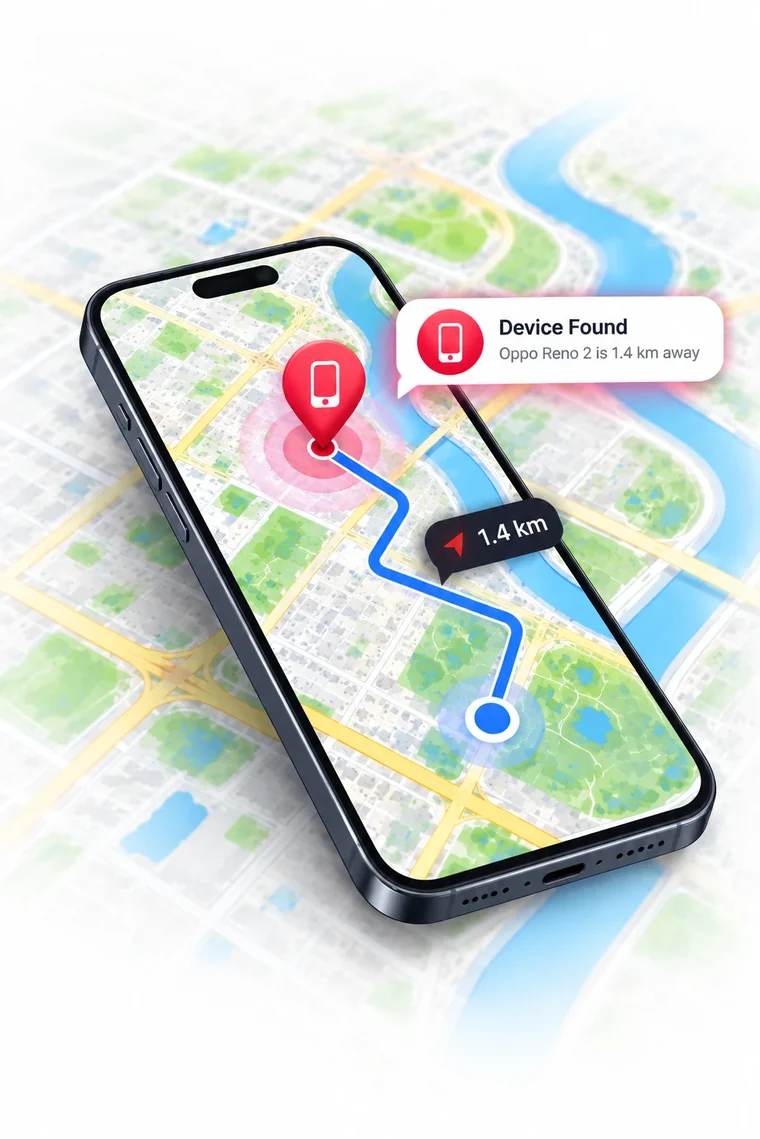
Find My Phone
See your other phone on the map and reach it from anywhere.
Family Tracker
Live location with family and friends, shared with private codes.
Offline Security
Six alarms that guard your phone even with no signal at all.
GPS & Driving
Record trips, read driving reports and save your favourite places.
Your lost phone, one tap away
Sign in with the same Google account on your phones and they appear in Your Devices. Pick one to see it on the map and act right away.
Locate
See where it is on the map, with its last known address and battery level.
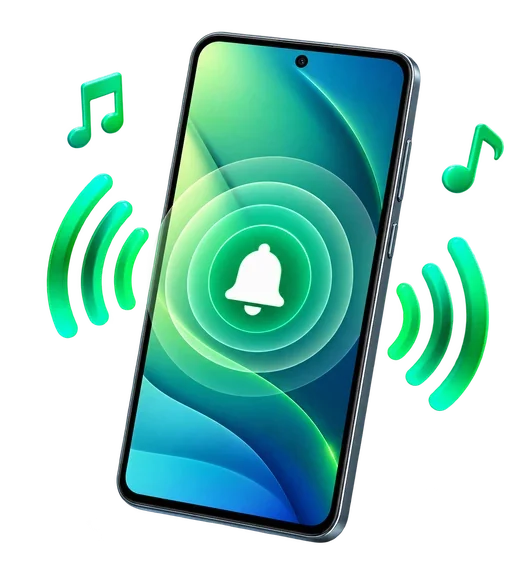
Ring
Make it ring loudly when it's hiding under a cushion or deep in a bag.
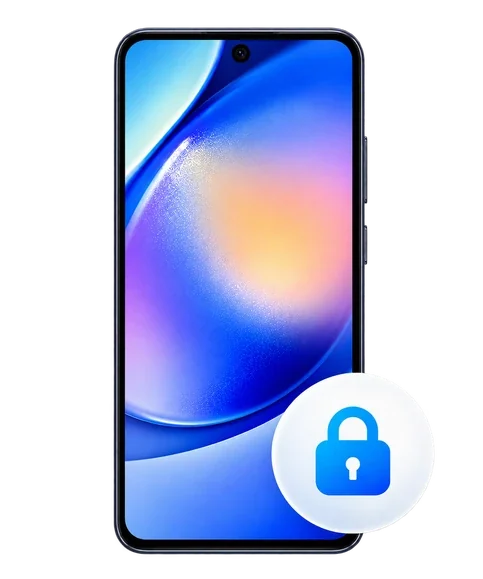
Lock
Lock the screen from your other phone so nobody can get in.
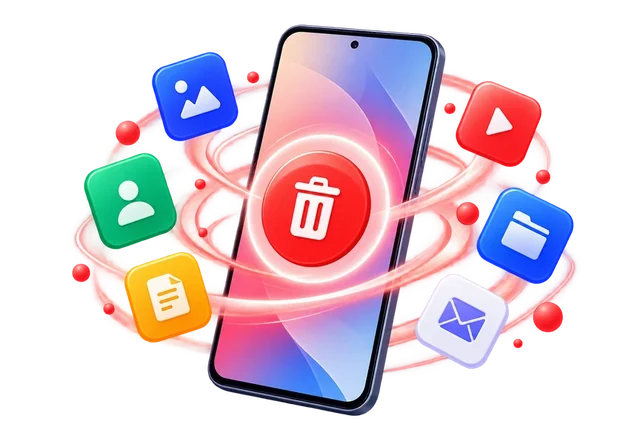
Erase
If it's gone for good, wipe it so your photos and accounts stay private.
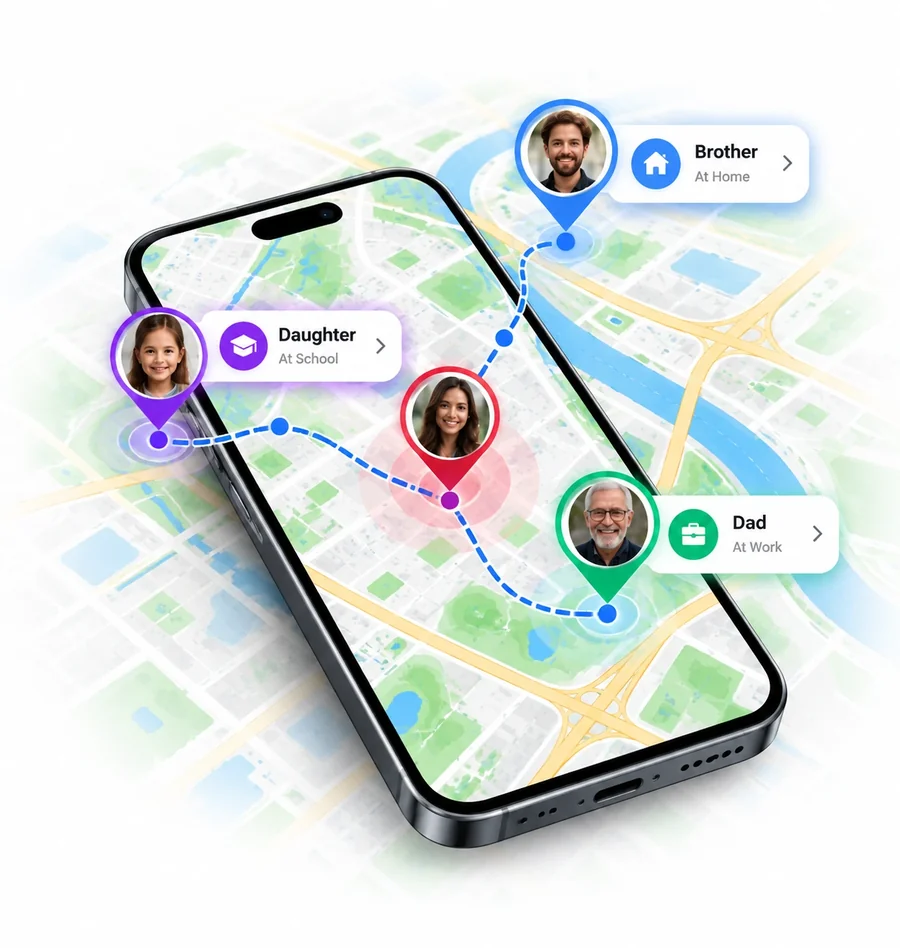
Share location with the people who matter, only after they say yes
Every phone gets its own private 6-character code. Swap codes with family or friends. Once they tap Allow, you see each other on one live map.
Live location & battery
See everyone on one map, with where they are and how much battery is left.
Check In & SOS
Say "I'm OK" with your address, or send an SOS alert with your live location.
Arrival alerts
Know when loved ones arrive at or leave important places, with their consent.
Always in control
Stop sharing or remove someone at any time, from either phone.
Six alarms that guard your phone, even with no signal
Turn on the ones you like. Each one runs right on your phone and needs no internet connection.
Touch Alert
An alarm sounds the moment someone moves your phone.
Intruder Selfie
Takes a photo of whoever enters the wrong PIN, pattern or password.
Anti Pocket
Rings if someone pulls your phone out of your pocket or bag.
Charger Alert
Sounds an alarm if someone unplugs your phone from its charger.
Whistle Alert
Can't see it? Whistle, and your phone answers with a sound.
Clap Finder
Clap your hands and your phone rings back to show where it is.
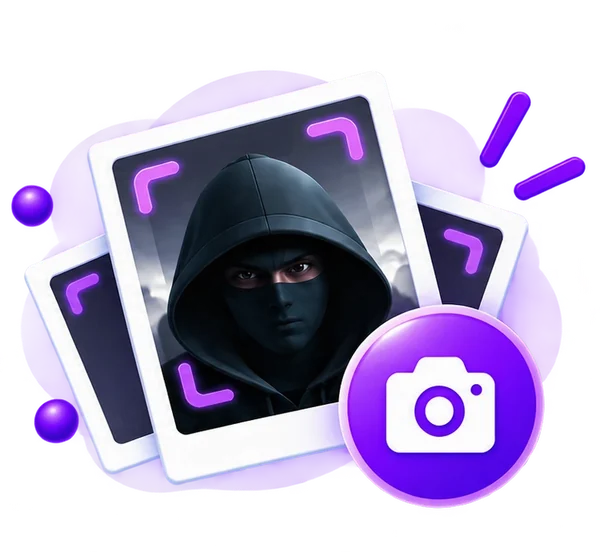
Intruder photos, kept private
Photos are saved inside the app on your phone. Turn on email alerts to get each photo in your inbox with the phone's location.
Flash & vibrate
Add a flashing light and vibration to any alarm so it's impossible to miss.
Every trip and every place, neatly organised
Record trips yourself or let the app notice them on its own. Your driving history is kept on your phone.
Start, pause or stop a trip and watch your route draw live on the map.
With location set to "Allow all the time", trips and stops are recorded for you, with distance and time.
Every trip you recorded, with its route, distance and time.
Save Home, Work, School and more, then open them on the map or navigate.
Tap anywhere on the map to get its address and coordinates, then copy them.
Handy extras, built in
Small tools that come in handy on a normal day and in an emergency.
Bluetooth Finder
Find lost earbuds, watches and other Bluetooth gadgets nearby.
Nearby Wi-Fi
See the Wi-Fi networks around you at a glance.
Traffic Map
Check live traffic before you leave, in map or satellite view.
Uninstall Protection
Stops a thief from simply deleting the app from your phone.
SIM Change Alert
Sounds an alarm if someone removes or swaps your SIM card.
Manage Devices
Every phone on your account and its details, in one list.
Compass
A clear compass with your heading and where you are.
Area Codes
Look up country and city dialling codes, shown on a map.
Protected in three simple steps
Set it up once and it keeps working in the background, quietly.
Install the app
Get GPS Find My Device from Google Play on every phone you want to protect.
Sign in & connect
Use the same Google account to reach your own phones, and swap codes to share location with family.
Turn on protection
Switch on the offline alarms you like. They work straight away, with no internet.
Your location is yours
We built the app so the most personal data stays on your phone. Read the Privacy Policy.
Trips stay on your phone
Driving reports and trip history are stored only on your device.
Sharing needs a yes
Nobody sees your location until you tap Allow, and you can stop at any time.
Your microphone stays local
Whistle and Clap listen on the phone itself. Audio is never recorded or uploaded.
Photos stay with you
Intruder photos are emailed only if you turn email alerts on.

Free to use. Premium when you want more.
The core features are free. Premium removes the limits for your whole family.
- Your whole family, no limit
- Every intruder photo by email, with the phone's location
- Your complete driving history
- A monthly travel recap with trends
Subscriptions are billed through Google Play and renew until you cancel. Cancel any time in Google Play › Payments & subscriptions. See the Terms of Service.
How do I find my lost phone?
Sign in with the same Google account on both phones: Home → Locate Phone → Continue with Google. Your other phones then appear in Your Devices. Tap one to see it on the map, ring it, lock it or erase it.
Can someone track me without my knowledge?
No. To see your location, a person needs your 6-character code and you have to tap Allow on the request. You can stop sharing or remove them at any time.
Do the security alarms need internet?
No. Touch Alert, Intruder Selfie, Anti Pocket, Charger Alert, Whistle Alert and Clap Finder all run on your phone with no connection. Only the optional intruder email needs internet.
Why are some trips missing from Driving Reports?
Trips are recorded by themselves only when location is set to "Allow all the time". With "While using the app", only trips made while the app is open are recorded. Location must also be on.
Is this Google's Find My Device?
No. GPS Find My Device is an independent app and is not affiliated with or endorsed by Google.
Your phone and your people, protected
Install GPS Find My Device for free and set it up in under a minute.