Locate Phone
See your other phone on the map with its last known address and battery level. If its location is old, the app asks the phone for a fresh one. If it's recent, you can ask to be told when it moves.
Home › Locate Phone
Over 25 tools for finding a lost phone, staying close to family, guarding your phone offline and keeping track of every trip.
Sign in with the same Google account on each phone. They show up in Your Devices, ready to locate, ring, lock or erase. Both phones need the app and an internet connection. Lock and Erase also need Device Admin turned on, on the lost phone.
See your other phone on the map with its last known address and battery level. If its location is old, the app asks the phone for a fresh one. If it's recent, you can ask to be told when it moves.
Make the phone ring loudly so you can follow the sound to the sofa, the car or the bottom of a bag. Stop it on the phone once you've found it.
Lock the screen from another phone. Whoever has it will need your PIN, pattern or password to get in.
As a last resort, factory-reset a lost phone remotely so your photos, messages and accounts stay private. This can't be undone, and it removes the app too.
Every phone signed in to your account in one list, with its model, battery and when it was last seen.
See the Wi-Fi networks around you and the one you're connected to.
Location is shared person to person with private codes, and only after the other person agrees. No groups to manage, no surprises.
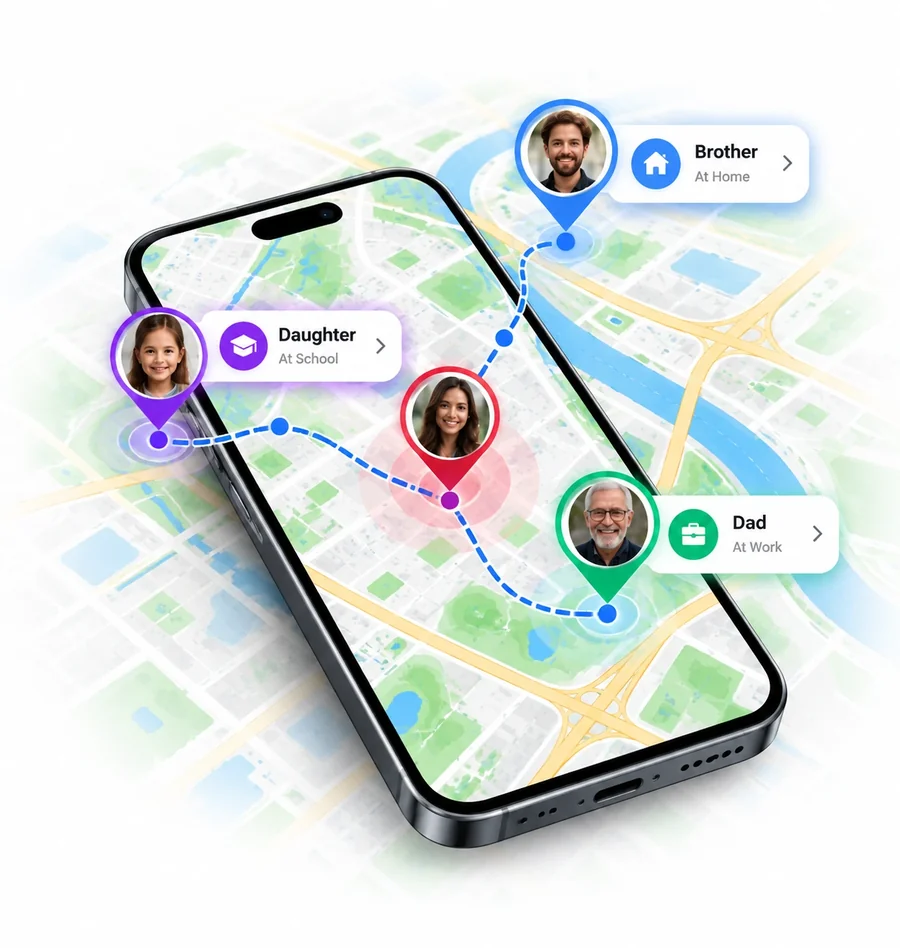
Every phone has its own 6-character code made of letters and numbers. Share it only with people you trust.
Enter someone's code to send a request. They get a notification and must tap Allow before you can see them. Friend requests wait in one list.
See everyone you're connected with on one map, with their battery level and when they last updated. Open a person to see where they've been recently.
Send a Check In to say you're OK, with your address. In trouble? SOS sends an alarm-style alert with your live location to everyone you share with, after a short countdown you can cancel.
Get told when a loved one arrives at or leaves a saved place like Home or School. They're asked first, and can say no.
Stop sharing, stop seeing someone or remove them completely at any time. Either person can end it.
SOS is not an emergency service. It alerts the people you share your location with. In an emergency, always call your local emergency number first.
Turn on any alert from the Home screen. While an alert is on, the app keeps a small notification so Android doesn't stop it. Everything happens on your phone.

Put your phone down and turn it on. If anyone picks it up or moves it, a loud alarm plays.
After the number of wrong unlock attempts you choose, the front camera takes a photo of whoever is trying. Photos stay in the app. Turn on email alerts to get them in your inbox with the phone's location.
Turn it on with the phone in your pocket or bag. If someone pulls it out, the alarm goes off.
Turn it on while charging in a café, airport or office. If the cable is pulled out, the alarm sounds.
Can't find your phone? Whistle and it answers with a sound. It listens on the phone and records nothing.
Clap your hands and the phone rings back so you can find it. Nothing is recorded or uploaded.
Add a flashing camera light and vibration to an alarm so it's impossible to miss.
The app remembers your SIM when you turn this on. If a SIM is removed or swapped, an alarm sounds.
Uses Android's Device Admin so a thief can't simply delete the app. Turn it off in the app before you uninstall.
Record a trip with one tap, or let the app notice your trips on its own. Trip history and driving reports are stored only on your device.
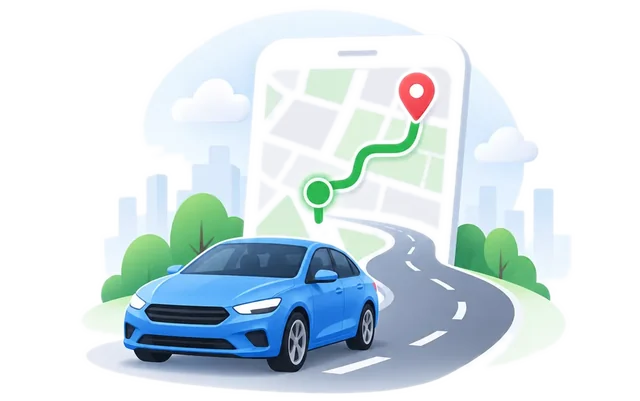
Start a trip and watch your route draw live on the map. Pause, resume or stop it whenever you like.
Every trip you recorded, with its route, distance and time. Delete any trip you don't want to keep.
With location set to "Allow all the time", the app records your trips and stops on its own and builds a timeline for each day, with distance and time.
Save Home, Work, School, your gym and more. Tap a place to see it on the map or start navigation.
Live traffic on the map before you set off, with normal and satellite views and a quick place search.
Tap the map or type coordinates to get an address, then copy it to share.
Extras for everyday moments, from a missing earbud to an unknown dialling code.
Find earbuds, headphones, watches and other Bluetooth gadgets nearby. Play a sound on a connected device and see where your gadgets were last connected.
A clear, accurate compass with your heading and a map of where you are.
Look up international (ISD) and city (STD) dialling codes for any country, shown on a map.

Weekly, monthly and yearly plans are available in the app, sometimes with a free trial. Prices are shown in Google Play before you pay. Subscriptions renew automatically until you cancel in Google Play › Payments & subscriptions. See the Terms of Service.